Promo Banners and Logo Animation
-
In this project, I designed a logo for a casino brand (EDGE casino).
I used Figma Weave to create a workflow that produces great assets for the brand. I manually enhanced these assets and also used After Effects to animate the casino logo (see animation at the bottom of the page). -
Illustrator
After Effects
Figma Weave -
The main objective of this project was to create a process on FIGMA that was rapid, simple, and also leads to great graphics.
Figma Weave
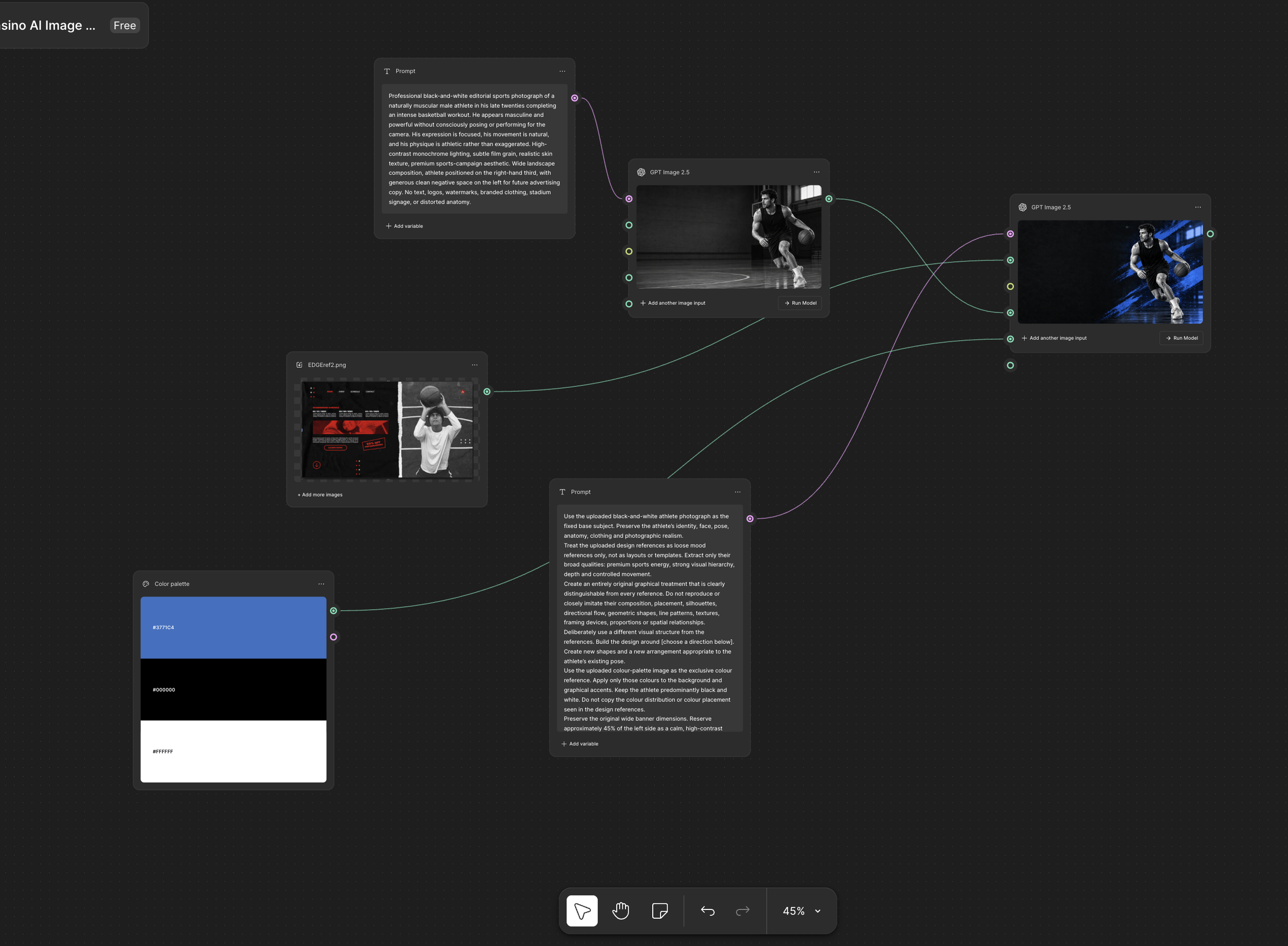
I built a multi-stage process in Figma Weave that produces assets.
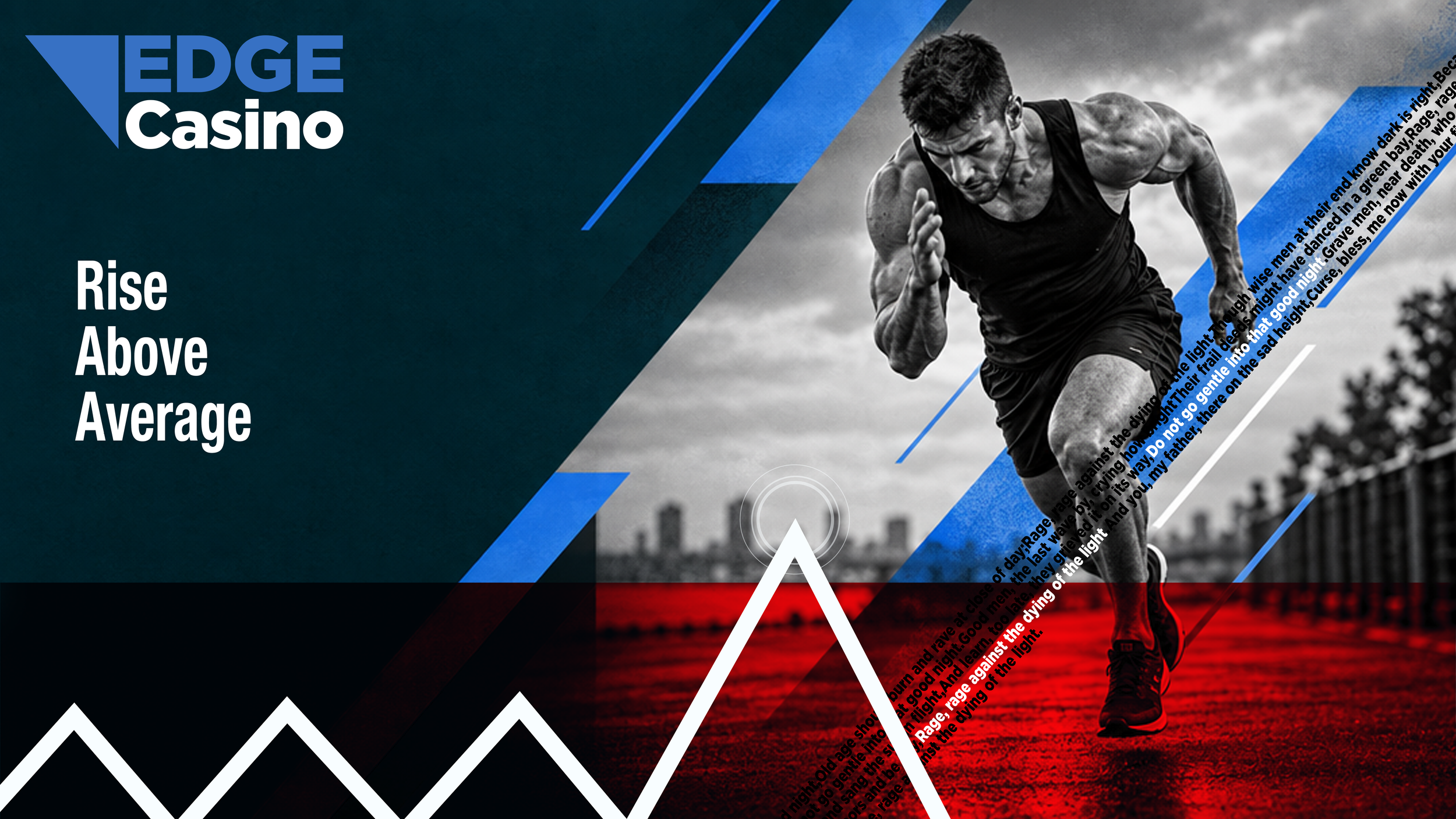
In stage 1, an image of an athlete in black and white is generated.
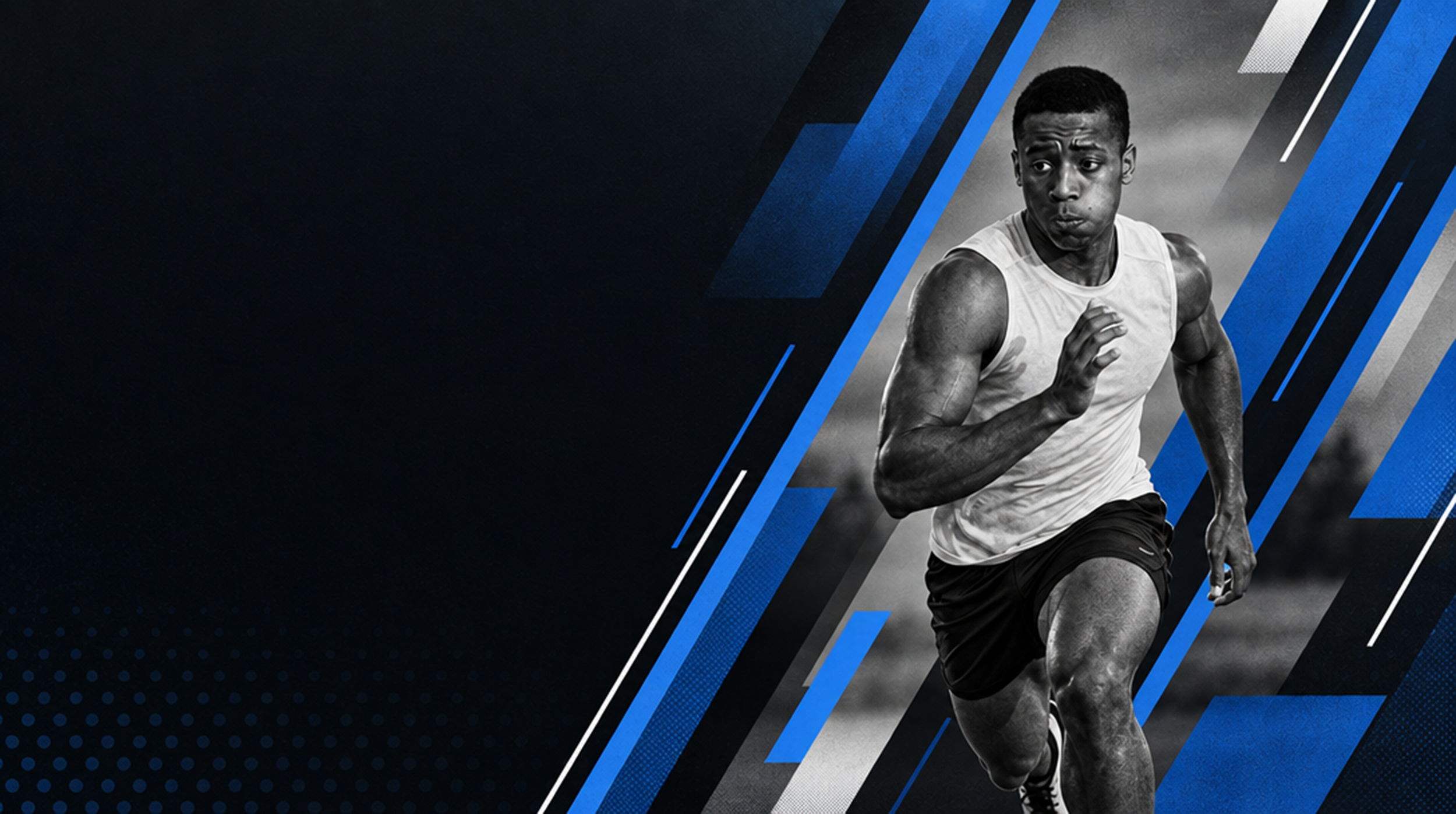
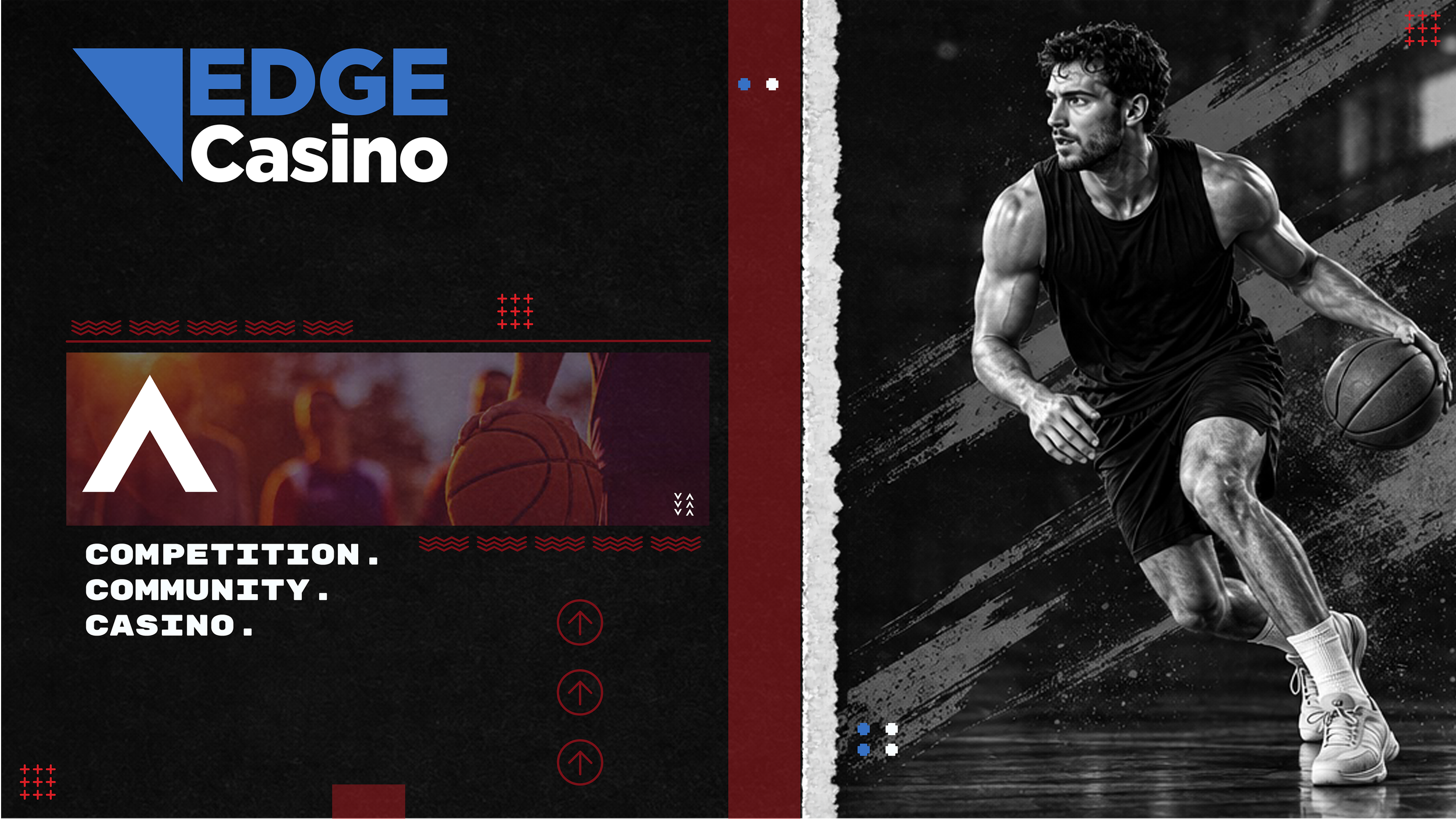
In stage 2, the image is applied to a graphic that uses the brand's colors and includes stylized graphic elements (based on uploaded reference images). 45% of the canvas is left free for messaging, which I manually inserted.
The prompts for all this were refined through trial and error, and all info on prompts is stored in a prompt library.
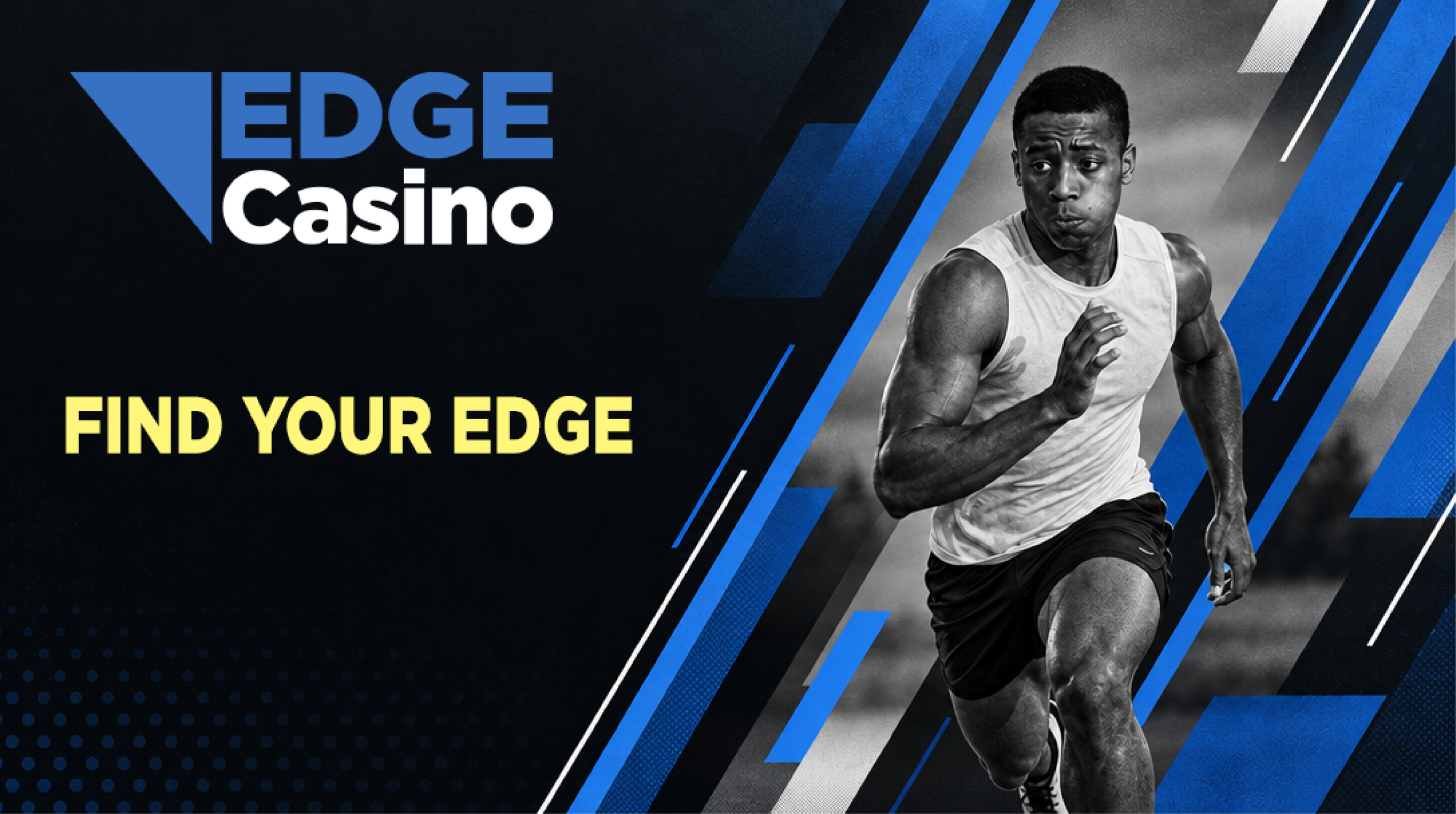
In the final stage, I manually apply human-written copy and graphic elements to the image.
Below, you can see the initial asset generated by Figma Weave’s LLM models followed by the version that I manually edited (below it).


After Effects Logo Animation
I manually animated the logo of EDGE Casino using After Effects. The triangle element in the logo rushes across it like a blade. The animation is energized and fast, which fits the brand perfectly.
Brainstorming
Before I began animating, I put a lot of work into brainstorming the logo. There were lots of interesting concepts, but in the end I decided on the final version because it was simple, geometric, and looked good when animated.