Photo-editing: Skin Retouching
-
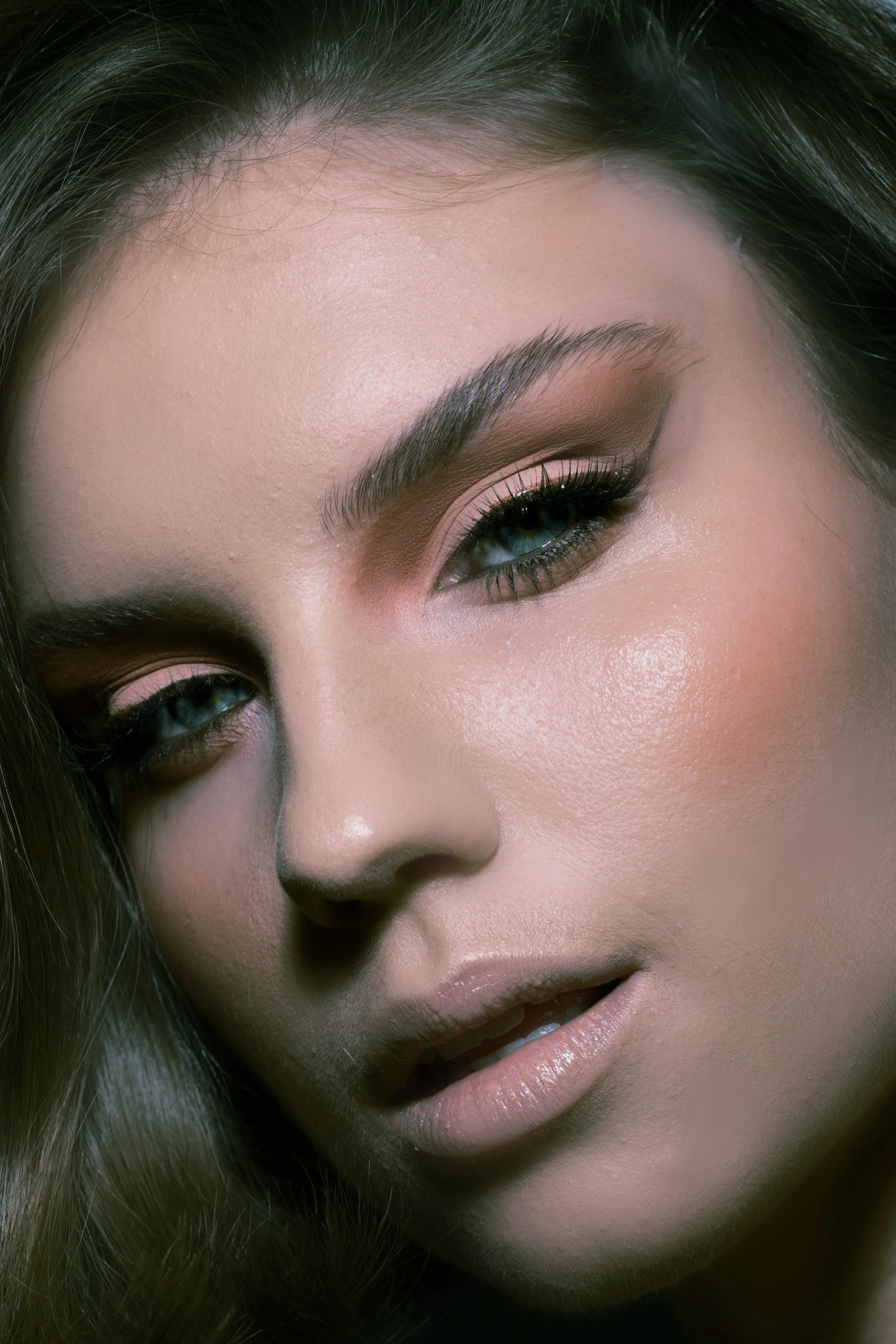
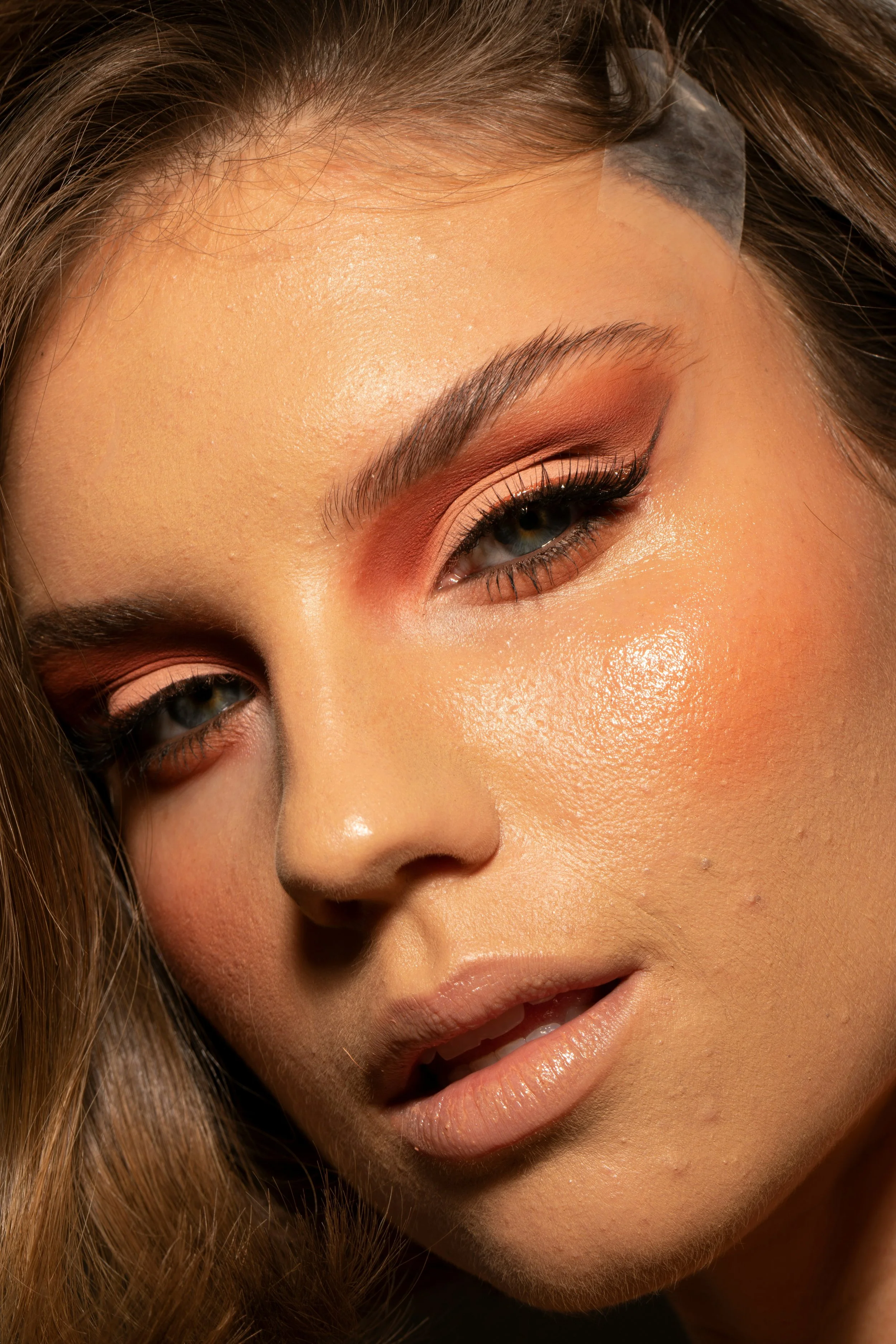
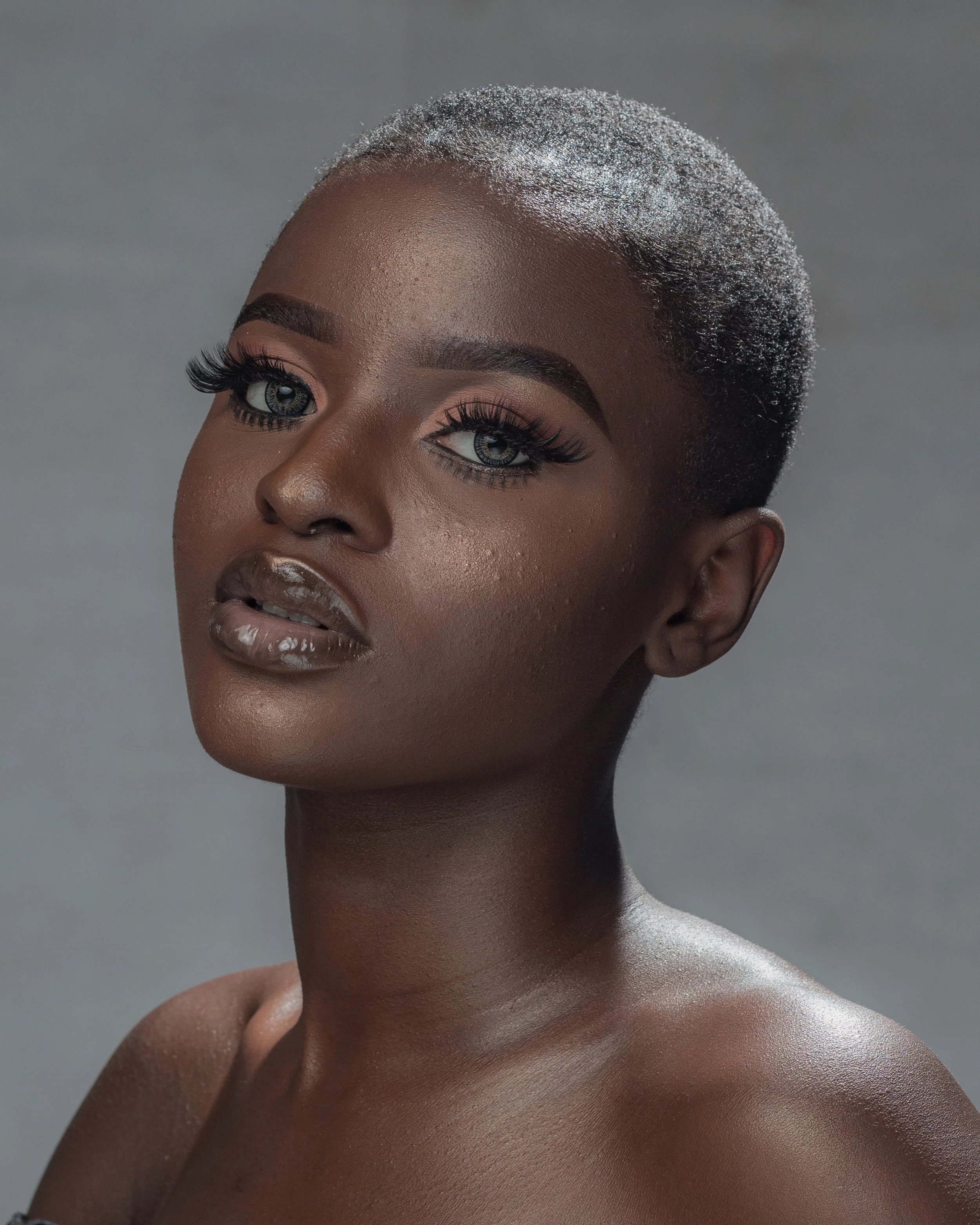
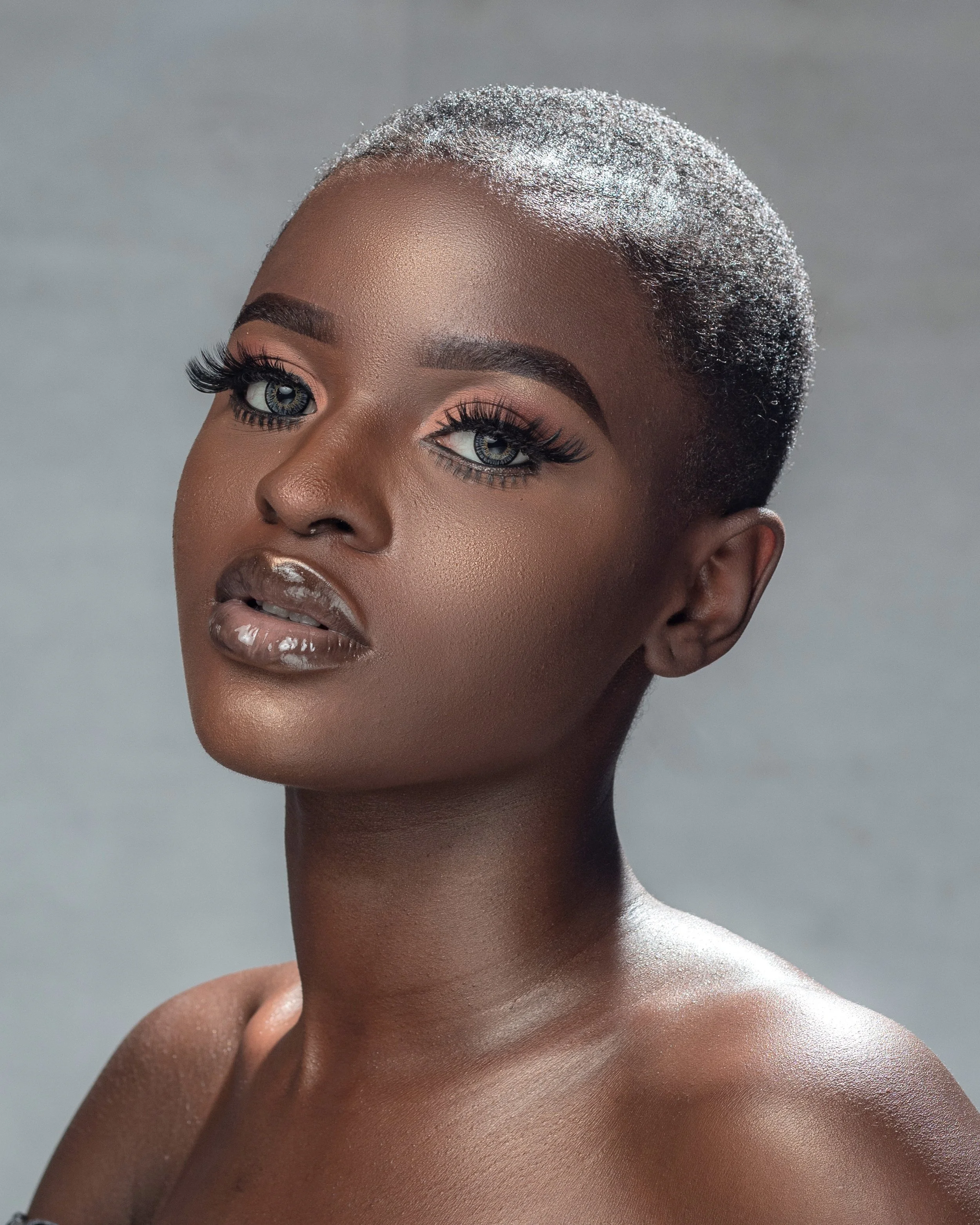
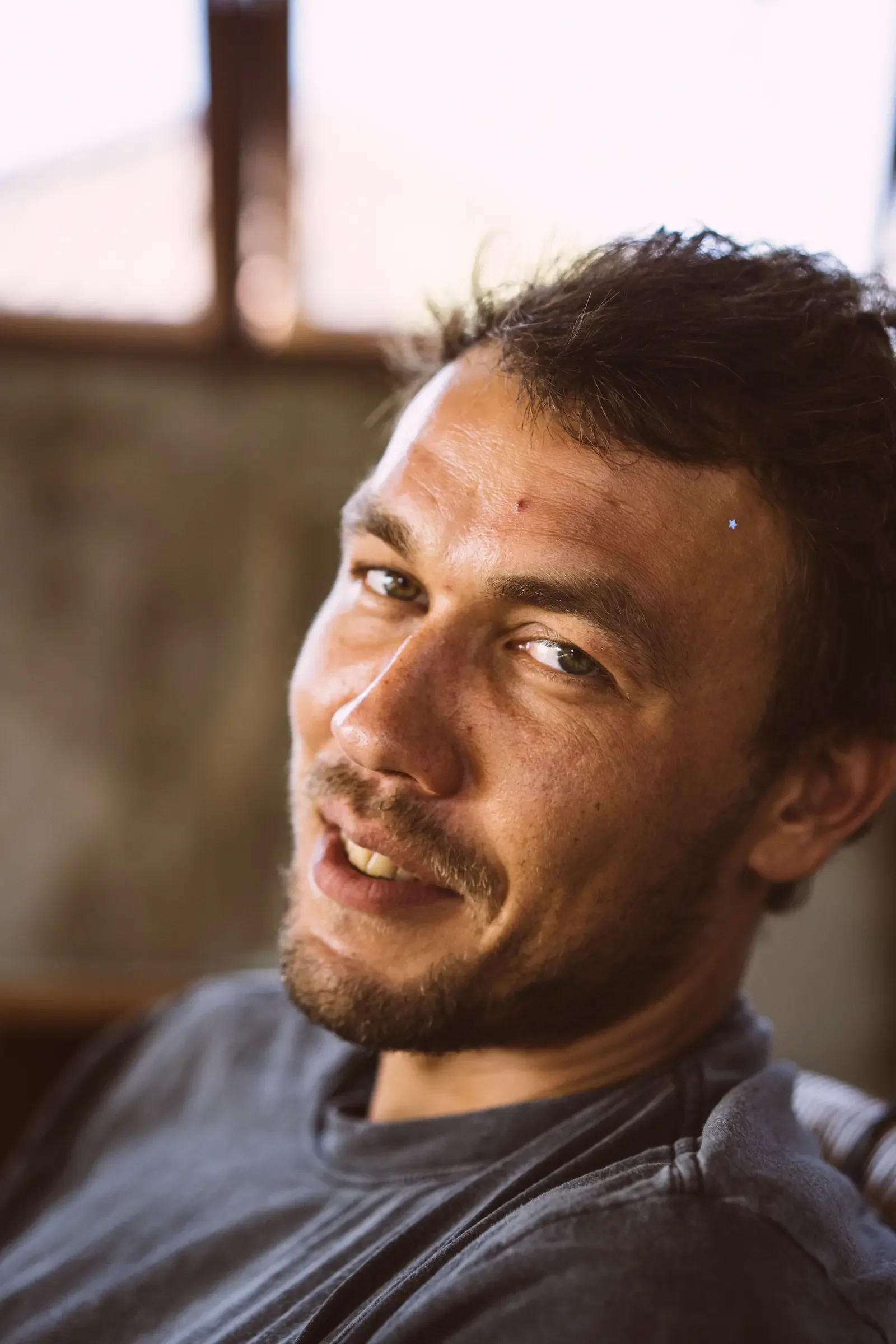
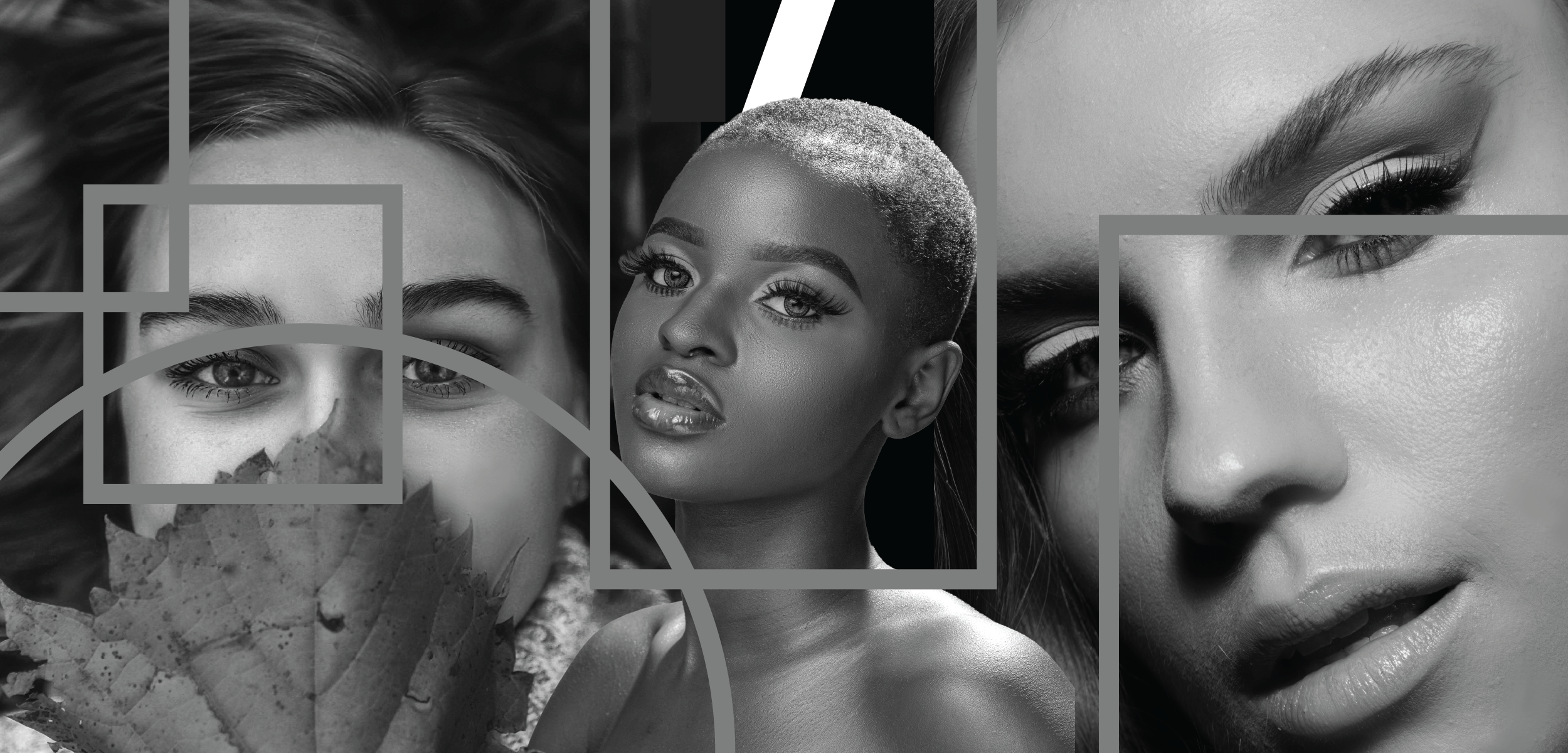
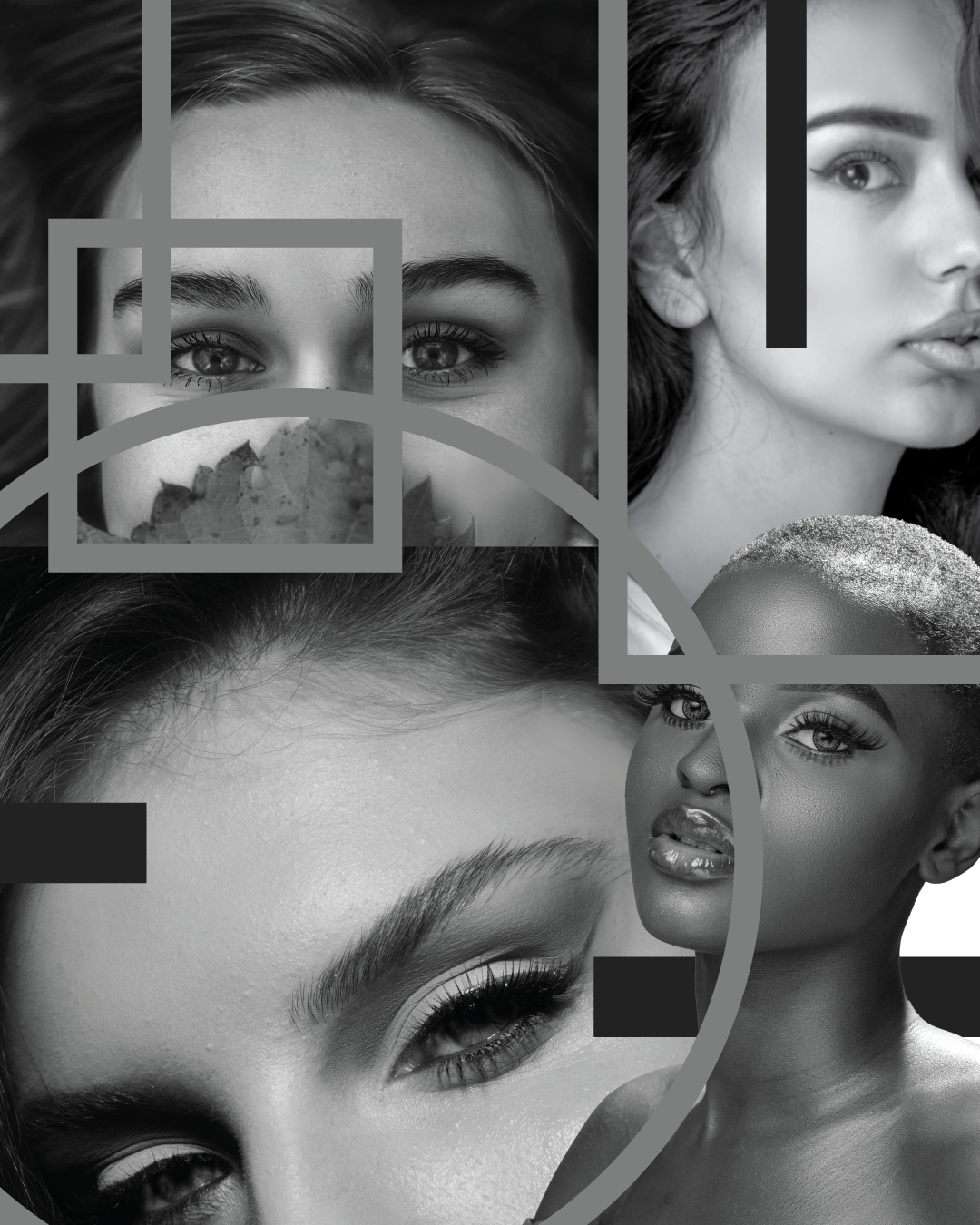
In this project, I edited images in order to improve the overall look by adjusting hue, saturation, and luminance. I then did skin retouching/smoothing in Photoshop through a frequency separation technique. I used the Apply Image function to create two versions of the same image: a high frequency version and a low frequency version. I then applied a Gaussian blur to the low-frequency layer and used linear light blending mode on the high-frequency layer to restore information to the overall image.
-
Photoshop
-
Each photograph and model presents different challenges. With some photographs, I needed to use the Clone Stamp to reduce skin texture; with others, this wasn’t necessary, and light blending with the Mixer Brush was sufficient.